Best Portable Power Stations for Starlink Off-Grid
Starlink is a battery problem before it is a power problem. The real challenge is sustaining a steady draw for hours without carrying more weight and capacity than you actually need.
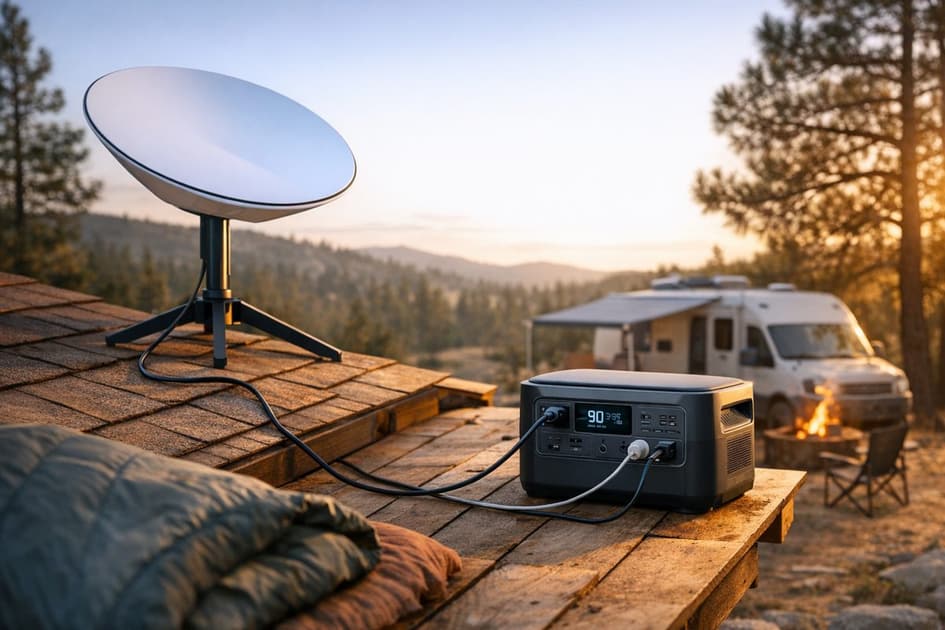
A good power station for Starlink is mostly a battery-capacity decision, not an inverter-flex decision. Starlink is a steady-load device, and that changes the math fast when you need 8 to 12 hours of off-grid internet.
This guide is for remote workers, van travelers, and off-grid campers who need realistic runtime expectations. It covers Starlink power draw, what changes between Starlink Mini and Standard Gen 3, how heat affects real-world use, and which stations actually make sense based on Wh, portability, and recharge habits.
Runtime
Estimate your runtime
Will your setup last a full workday off-grid? Run the numbers before you buy.
Free · No signup · ~30 sec
Quick take
- Starlink Mini typically draws about 25–65W continuously, so runtime is mainly a Wh calculation.
- Standard Starlink Gen 3 can draw up to 110W, which cuts runtime much faster and pushes you toward larger-capacity stations.
- For most people, a 1000Wh-class station is the practical starting point for a full workday, especially once you leave margin for inverter losses and real-world conditions.
- Starlink Mini can often run directly from a compatible 100W USB-C PD connection using Starlink’s Mini USB-C cable, which is one of the easiest ways to stretch runtime and avoid AC inverter loss.
- Heat matters twice: the dish generates heat, and the power station also needs airflow, especially in vans, tents, and hot weather setups.
- LiFePO4 chemistry is the better fit for regular Starlink use because daily charging and discharging adds up quickly over time.
Why a power station for Starlink is mostly a battery question
Starlink does not usually need massive output capacity. Even the standard Gen 3 draw is nowhere near the AC limits of the stations in this guide.
What matters more is sustained energy over time.
The basic runtime math is simple:
Runtime in hours = battery capacity in Wh ÷ device draw in W
That formula gets you close fast, which is what matters when planning Starlink runtime.
That is why a constant internet setup behaves differently from something like a kettle, microwave, or induction burner. Those are short-burst appliances. Starlink is a long-burn load that keeps draining the battery hour after hour.
For Starlink Mini, a rough continuous draw of 25–65W is manageable on mid-size stations. Standard Starlink Gen 3, with draws up to 110W, is a different story. That higher steady load cuts runtime hard, even when the station’s AC output rating looks comfortably oversized on paper.
If you want to test your own numbers, the runtime calculator is the fastest way to estimate hours from wattage and battery size.
How much runtime do you actually need?
For an 8-hour workday, the difference between Starlink Mini and Standard Gen 3 is substantial.
Here’s the simple math before inverter losses and real-world conditions:
- 768Wh ÷ 65W = about 11.8 hours
- 768Wh ÷ 110W = about 7 hours
- 1070Wh ÷ 65W = about 16.5 hours
- 1070Wh ÷ 110W = about 9.7 hours
- 2048Wh ÷ 65W = about 31.5 hours
- 2048Wh ÷ 110W = about 18.6 hours
Keep in mind that running Starlink through the standard AC plug means the inverter stays on the whole time, which usually costs another 10% to 15% of usable battery in conversion loss.
Real-world runtime is always lower once you account for conversion losses and operating conditions. The point is not the exact decimal. The point is that a jump from 65W to 110W changes the answer much more than most people expect.
That is also why off-grid internet planning should start with the dish model and daily usage hours, not just the largest station you can afford or carry.
For more setup-specific guidance, see the remote work and Starlink power guide.
The three picks that make the most sense
Best overall: Jackery Explorer 1000 v2
The Jackery Explorer 1000 v2 is the best overall fit because it lands in the sweet spot: enough battery for real Starlink runtime, enough portability to stay practical, and none of the dead weight of a much larger station.
At 1070Wh, this capacity is a practical match for people trying to cover a workday without dragging around a 50 lb box. It has enough headroom for either Starlink Mini or Standard Gen 3, and the 1500W AC output is already far beyond what Starlink needs. More importantly, the LiFePO4 battery and 4000+ cycle rating make sense for users who recharge often. If Starlink is part of your daily setup, cycle life is part of the buying decision.
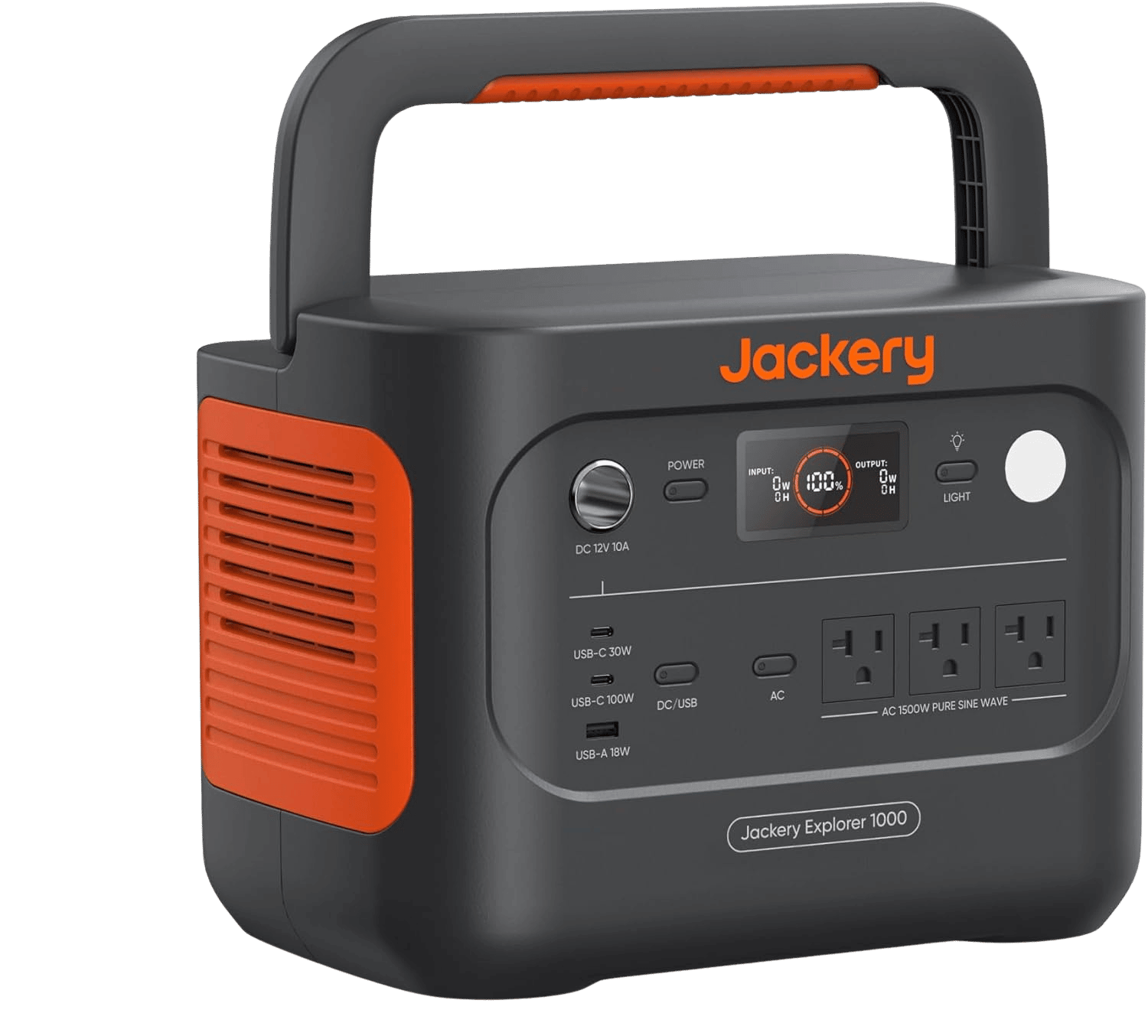
Jackery Explorer 1000 v2
1070Wh LFP, 1500W AC (3kW surge), ~1 hr app emergency charge / ~1.7 hr default, 23.8 lb.
⚡ ~1 hr AC recharge
~$449
Check price on AmazonView full specs →Purchase links may be affiliate links — To Support WattMatch
Best mid-capacity pick: BLUETTI AC70
The BLUETTI AC70 is the better mid-capacity option when portability matters more than all-day reserve. Its 768Wh capacity and 22.5 lb weight make it easier to move in and out of a vehicle or campsite, while the 1000W AC output is still more than enough for Starlink.
This is the kind of station that makes the most sense for Starlink Mini, shorter work sessions, or setups that can recharge during the day. The 500W solar input helps if your goal is to keep refilling instead of just carrying more battery. For Standard Gen 3 users, though, the smaller Wh reserve gets tight fast.
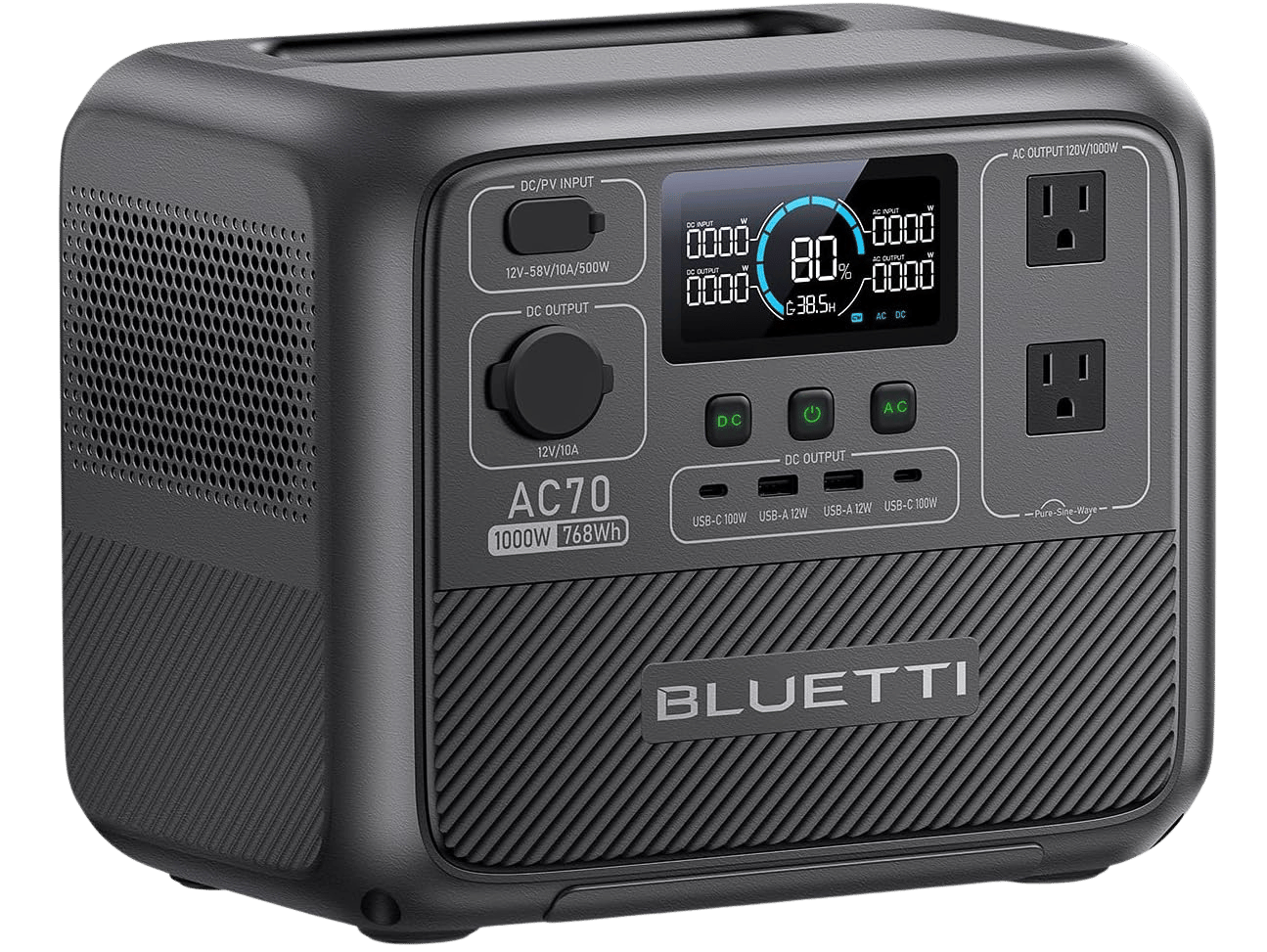
BLUETTI AC70
768Wh LFP, 1000W AC (2000W lifting), ~45 min to ~80% / ~1.5 hr full AC, 500W solar.
⚡ ~1 hr 30 min AC recharge
~$359
Check price on AmazonView full specs →Purchase links may be affiliate links — To Support WattMatch
Best high-capacity pick: EcoFlow DELTA 2 Max
The EcoFlow DELTA 2 Max is the high-capacity pick for people who want more runtime margin and less battery stress. At 2048Wh, it gives you much more room for longer daily uptime, worse weather, or Starlink plus other gear without watching the percentage drop all afternoon.
This is the strongest fit for full-day remote work, repeated multi-day use, or van and RV setups where the station is part of a bigger off-grid system. Its LiFePO4 battery chemistry and 3000+ cycle rating are well suited to daily use, and the 1000W solar input makes it easier to build a sustainable recharge loop. The dual 100W USB-C ports also matter if you run Starlink Mini with a compatible USB-C PD cable and want to skip inverter loss. The trade-off is obvious: 50.7 lbs is a lot less grab-and-go than the smaller options.
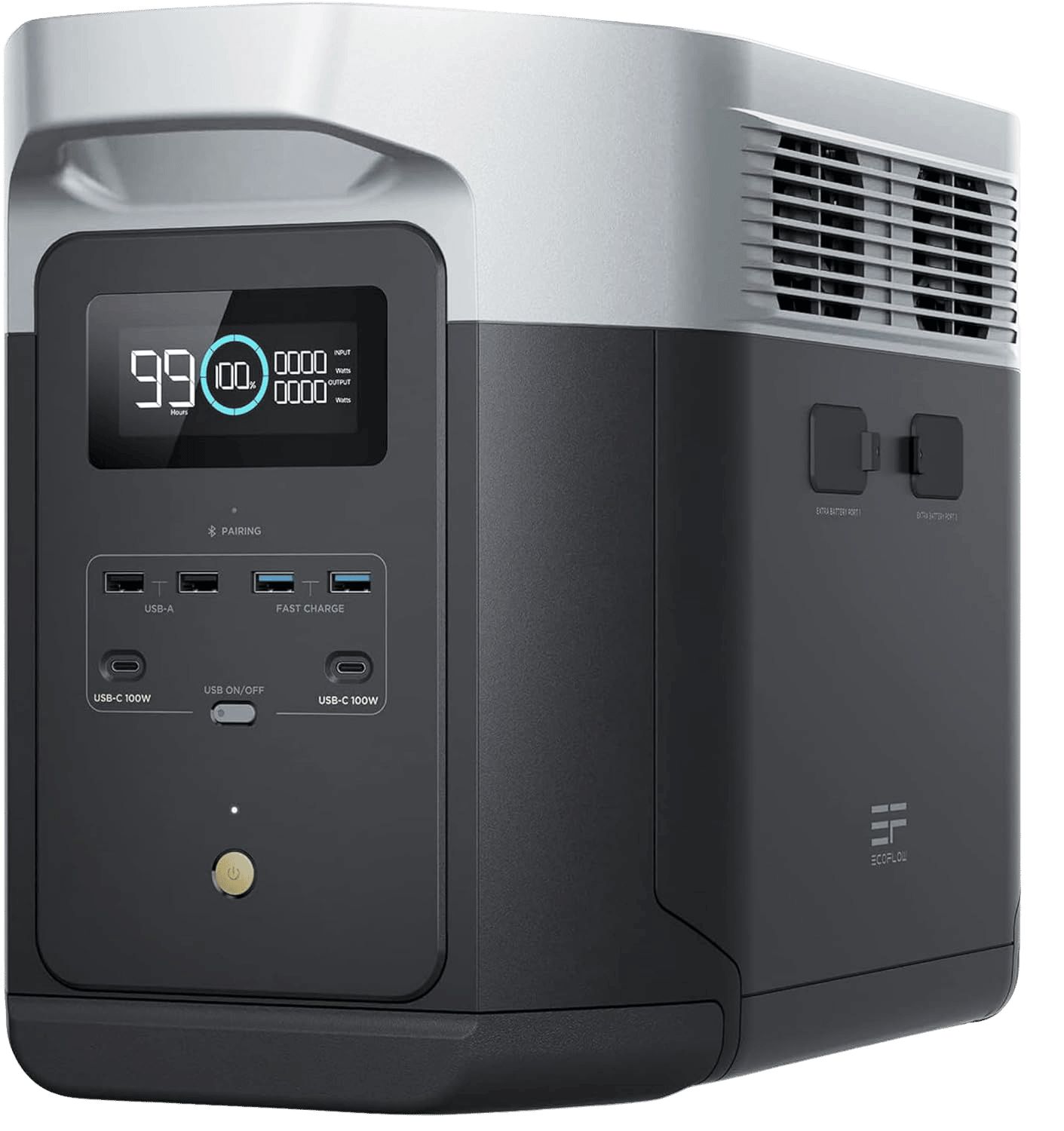
EcoFlow DELTA 2 Max
2048Wh LFP, 2400W output (X-Boost ~3400W), ~1 hr AC full charge, 1000W solar—expandable home backup.
⚡ ~1 hr AC recharge
~849.99$
Check price on AmazonView full specs →Purchase links may be affiliate links — To Support WattMatch
Heat and airflow are part of the real-world runtime equation
People ignore this all the time.
Starlink hardware creates heat, and so does the power station while delivering power and charging. In enclosed spaces like vans, truck cabs, small trailers, and hot tents, that heat buildup can affect reliability and comfort long before you hit the battery’s theoretical runtime.
A few practical rules:
- Do not bury the station under bedding, bags, or clothes.
- Keep ventilation around the station’s intake and exhaust areas.
- Avoid placing the dish where heat gets trapped with no airflow.
- Expect worse conditions in direct sun, parked vehicles, and summer desert camping.
This matters even more when running standard Gen 3, since higher sustained draw means the whole system is working harder. The cleaner and cooler the setup, the better your real-world results tend to be.
Why LiFePO4 matters for regular Starlink users
If you only need backup a few times per year, battery cycle life is less important.
That is not the typical Starlink off-grid use case.
Remote workers, van lifers, and travelers often charge during the day, discharge at night, and repeat that pattern constantly. That is exactly where LiFePO4 chemistry earns its place. All three picks here use LiFePO4, which is better suited to repeated cycling than older battery types.
The difference shows up over time:
- BLUETTI AC70: 3000+ cycles
- EcoFlow DELTA 2 Max: 3000+ cycles
- Jackery Explorer 1000 v2: 4000+ cycles
For someone building a daily off-grid internet routine, that is not a side detail. It is part of whether the station still makes sense a year or two from now.
Matching the station to your Starlink setup
Choose smaller if you use Starlink Mini and recharge often
If your Starlink Mini stays closer to the lower end of its roughly 25–65W continuous draw, you can get away with less battery. That is where the AC70 makes sense, especially if compactness matters and you are recharging often. On compatible setups, Starlink Mini can also run straight from USB-C PD instead of AC, which is one of the easiest efficiency wins in this category. That setup requires Starlink’s Mini USB-C cable and a 100W USB-C PD port rated for 20V/5A.
Choose around 1000Wh if you want a safer one-day baseline
A 1000Wh-class station is the safest middle ground for a lot of users. It gives you a better shot at covering a long workday with real margin once heat, inverter losses, and extra device charging start eating into the battery.
That is why the Jackery Explorer 1000 v2 is the best overall recommendation here.
Choose 2000Wh-class capacity if you run Gen 3 hard
If you use standard Starlink Gen 3, work long hours, or need power for other devices alongside your connection, 2000Wh-class capacity makes life easier fast. The DELTA 2 Max is much less likely to leave you babysitting battery percentage every afternoon.
Compare
Compare your options
Trying to decide between mid-range and flagship capacity for Starlink? Compare the Bluetti AC70 and Jackery Explorer 1000 V2 head-to-head — battery size, runtime estimates, and which fits your remote work setup.
Free · No signup · See all specs
FAQ
How many watts does Starlink use off-grid?
Starlink Mini typically draws around 25–65W continuously. Standard Starlink Gen 3 can draw up to 110W. That steady draw is why battery capacity in Wh matters more than oversized AC output for this use case.
Can I run Starlink all day on a portable power station?
Yes, but battery size matters a lot. A mid-size unit may be enough for Starlink Mini, while Standard Gen 3 usually benefits from more battery. For 8 to 12 hours per day, start with Wh first and treat inverter rating as secondary.
Does Starlink need a high-output inverter?
Not usually. Starlink is not a high-surge appliance. The stations in this guide already have more than enough AC output. Runtime is the real constraint, not raw inverter muscle.
Is heat a problem when running Starlink from a battery?
Yes. The dish and the power station both need airflow. In hot vehicles or enclosed setups, heat buildup can reduce comfort and make the system less practical over long sessions.
Is LiFePO4 worth it for Starlink use?
Yes, especially for daily users. If you are charging and discharging often, LiFePO4 cycle life is a major advantage. That is one reason these picks are better suited to regular off-grid internet use.
Takeaway
The right power station for Starlink is the one with enough Wh to cover your real daily draw without forcing you to carry more battery than you need. For Starlink Mini, mid-size capacity can work well, especially if you can run it directly over USB-C PD. For Standard Gen 3, stepping up in battery size matters far more than chasing oversized inverter numbers.
Related guides
These guides cover adjacent buying scenarios worth comparing.
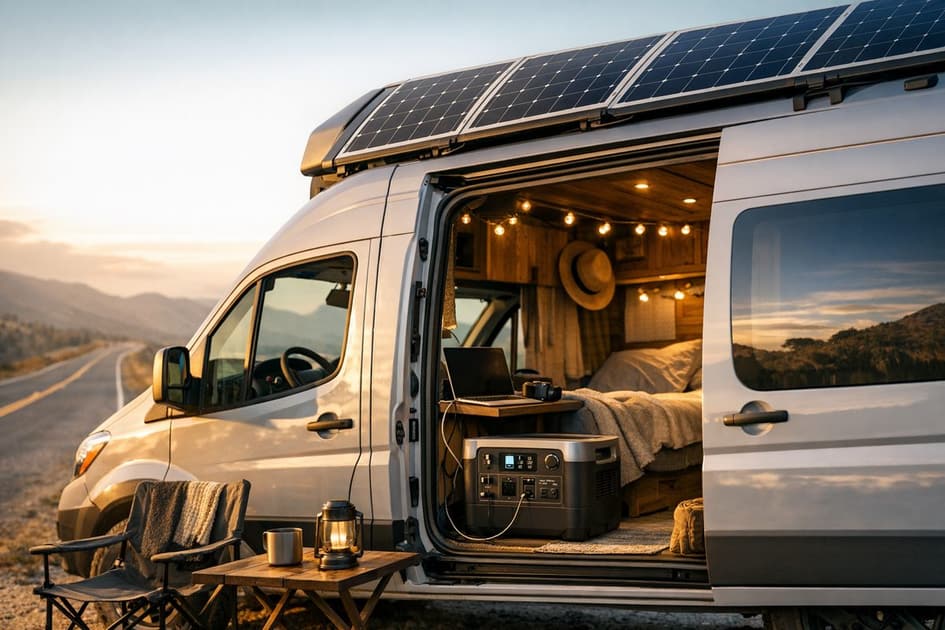
Solar Generators for Van Life: A Complete Buying Guide
Van life power gets expensive when the system is undersized and frustrating when it is poorly matched. The right setup starts with daily energy habits, solar input limits, and battery chemistry that can handle constant use.
Read guide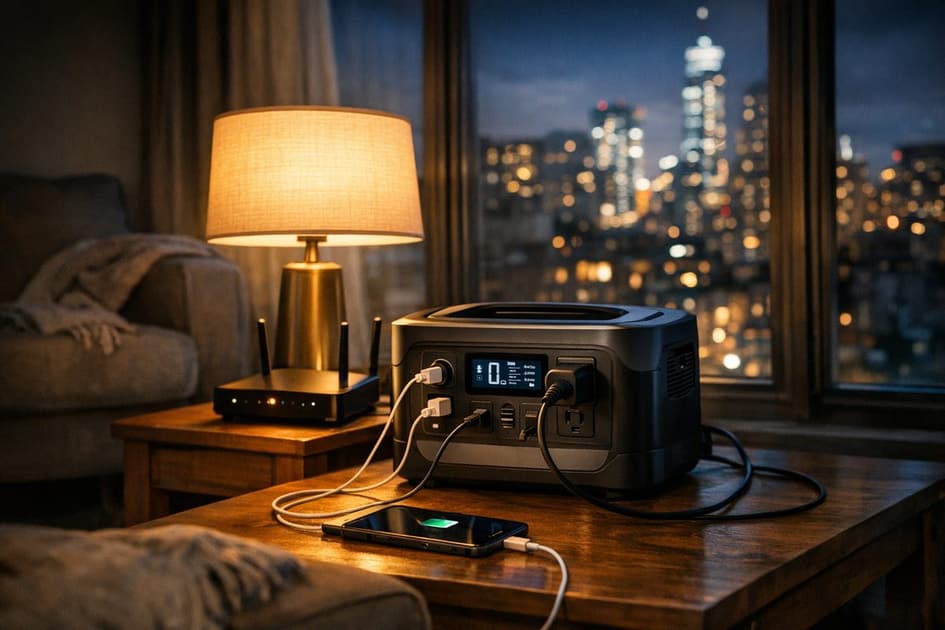
Best Portable Power Stations for Apartment Blackouts
Apartment outage prep is not about pretending you can power a whole house. It is about keeping the essentials alive quietly, safely, and without hauling a giant battery up the stairs.
Read guide